Mixed reality interior design with Quest 3
Quest 3 changes the game
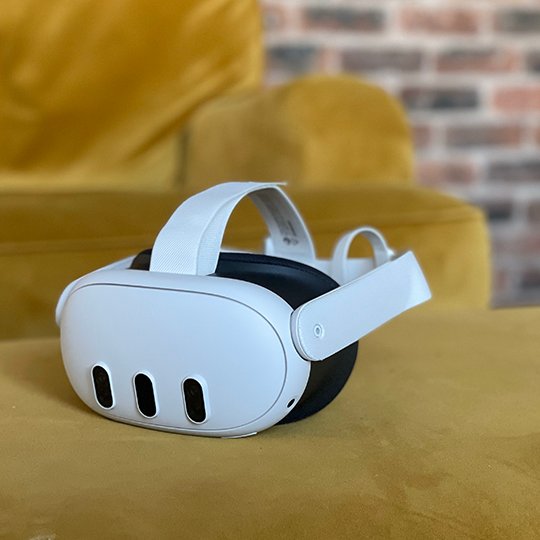
Quest 3 is the first mainstream, affordable Mixed Reality Passthrough device, when I first got mine in early November I wanted to dive straight into some mixed reality interior design work and put it to the test.
As I am also in the middle of some serious house renovation, I thought it would be nice to kill two birds with one stone and put the Quest to use helping us to iterate on our interior design.
New passthrough tech
With it’s 2x full colour cameras right where your eyes are, the Quest 3 will allow passthrough video, that is you can see the real world from within the device. It does make real life a little lower resolution, but it is just AMAZING that for the first time we have an affordable device that for £475 can herald in the future of immersive computing.
Quest3 also has an onboard depth sensor (like the iPhone and iPad’s LiDAR scanner) which enables it to better understand the real world, and how to better show virtual objects within it.
Use your hands as controllers
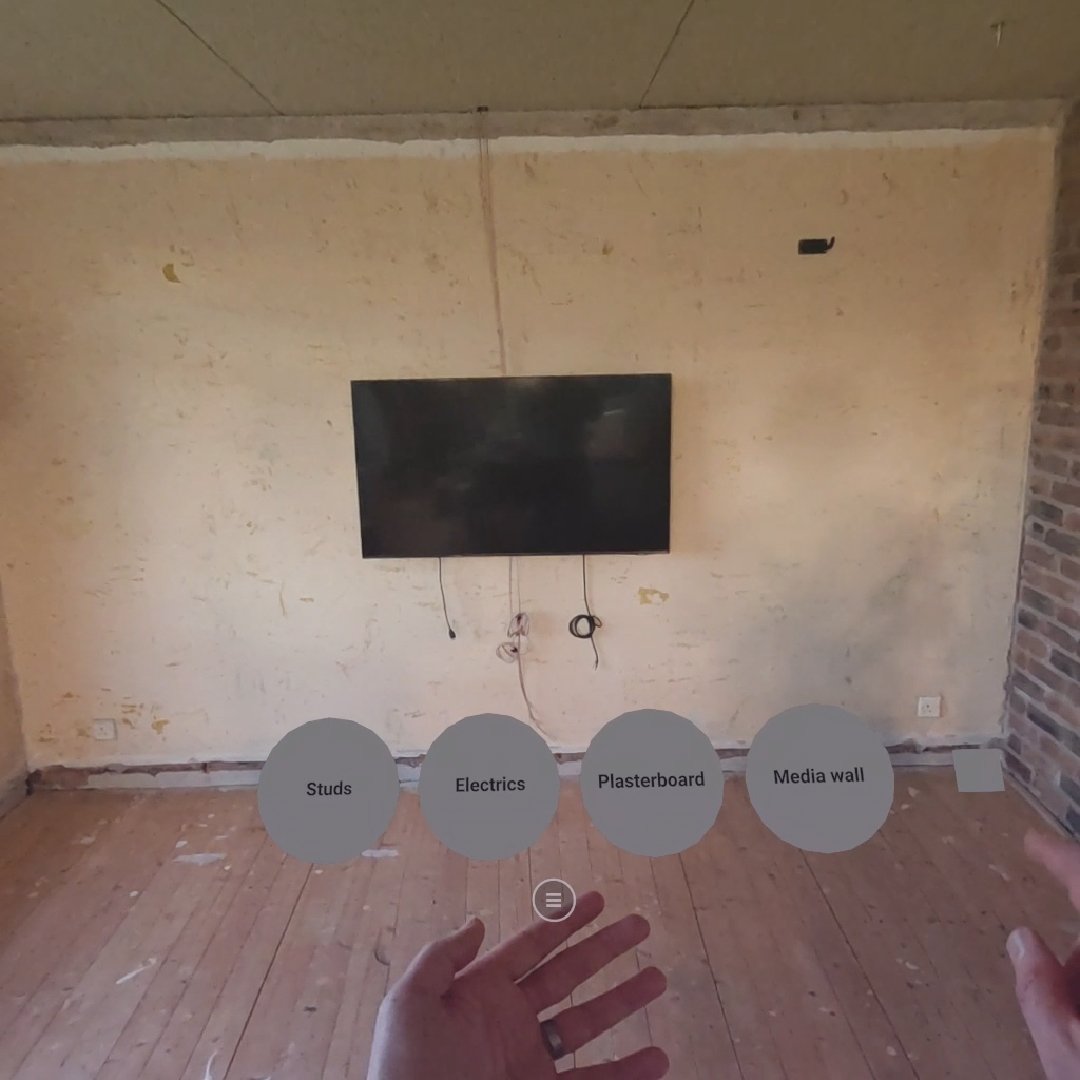
I started out the app by building a simple UI for switching on and off various designs for different bookshelves, seating arrangements etc.
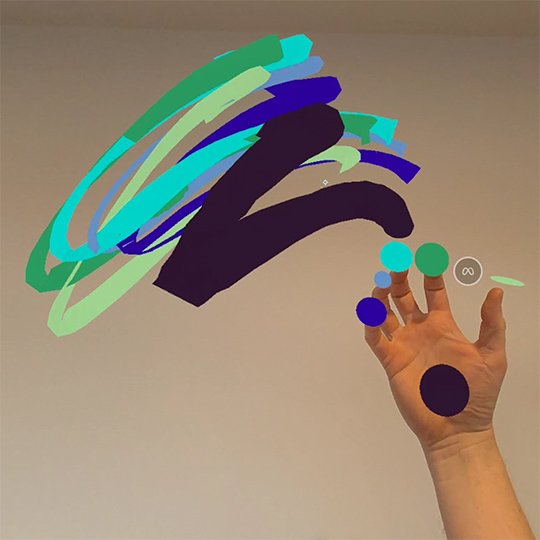
Last time I had used the hand controls on Quest 1, it was too buggy, but it has certainly matured now. It is just amazing to have a UI that you can attach and detach from your hand as the needs arise, just leaving it floating in space is so useful sometimes.
The Quest 3 scans in your real-life room first, so it understands where everything is. Then you can layer your own content on top of that.
Context, Context, Context!
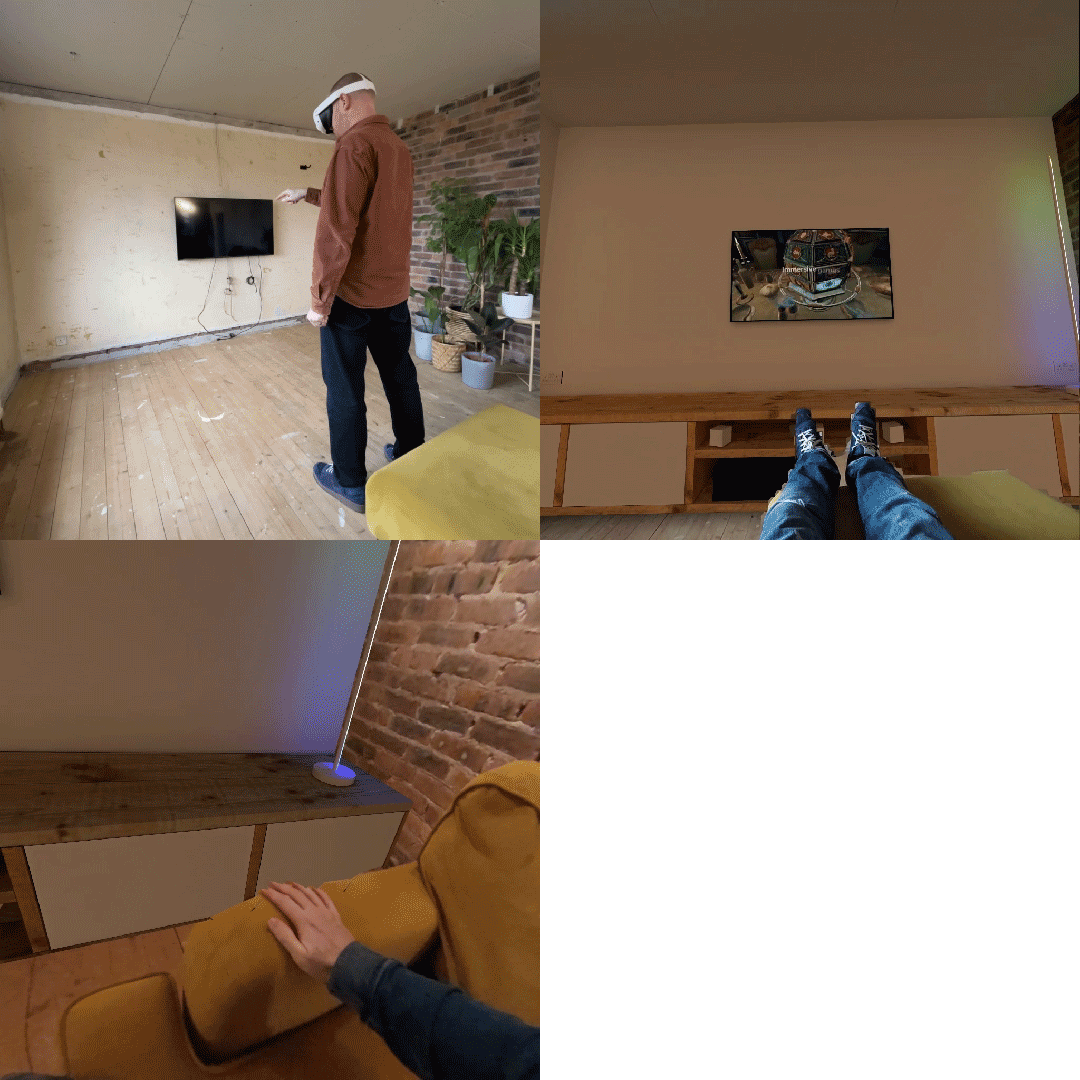
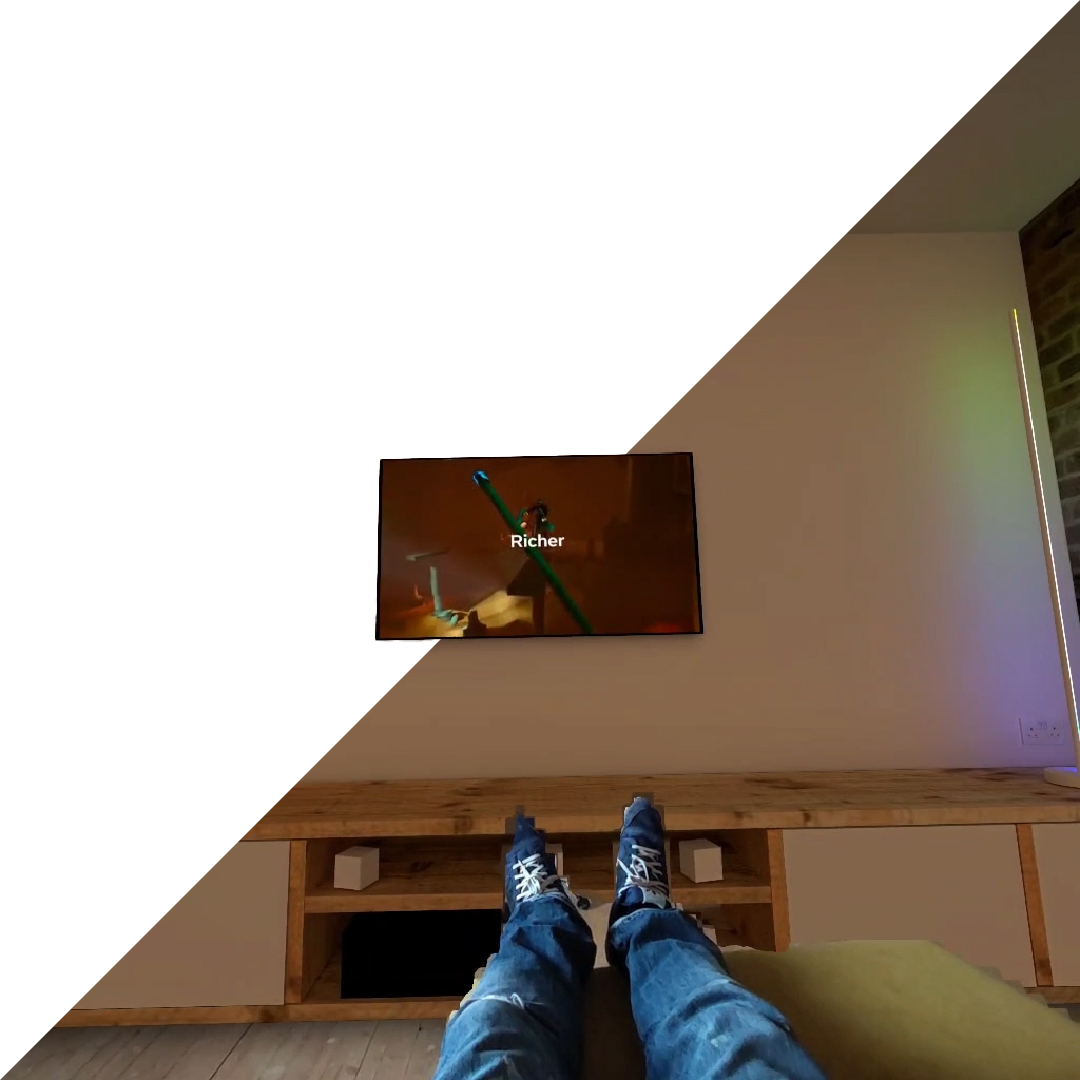
We tried many different iterations of different designs for our TV media wall, each time experiencing them in the context of our actual construction site living room.
Once we started to settle around a bench style TV cabinet, we were also able to play with lighting options and figure out all the best places for the electrics to go in. Being able to have these extra rounds of design iteration in the actual space allowed us to tweak some minor details that might not have been spotted until the build was complete otherwise.
Amazing integration
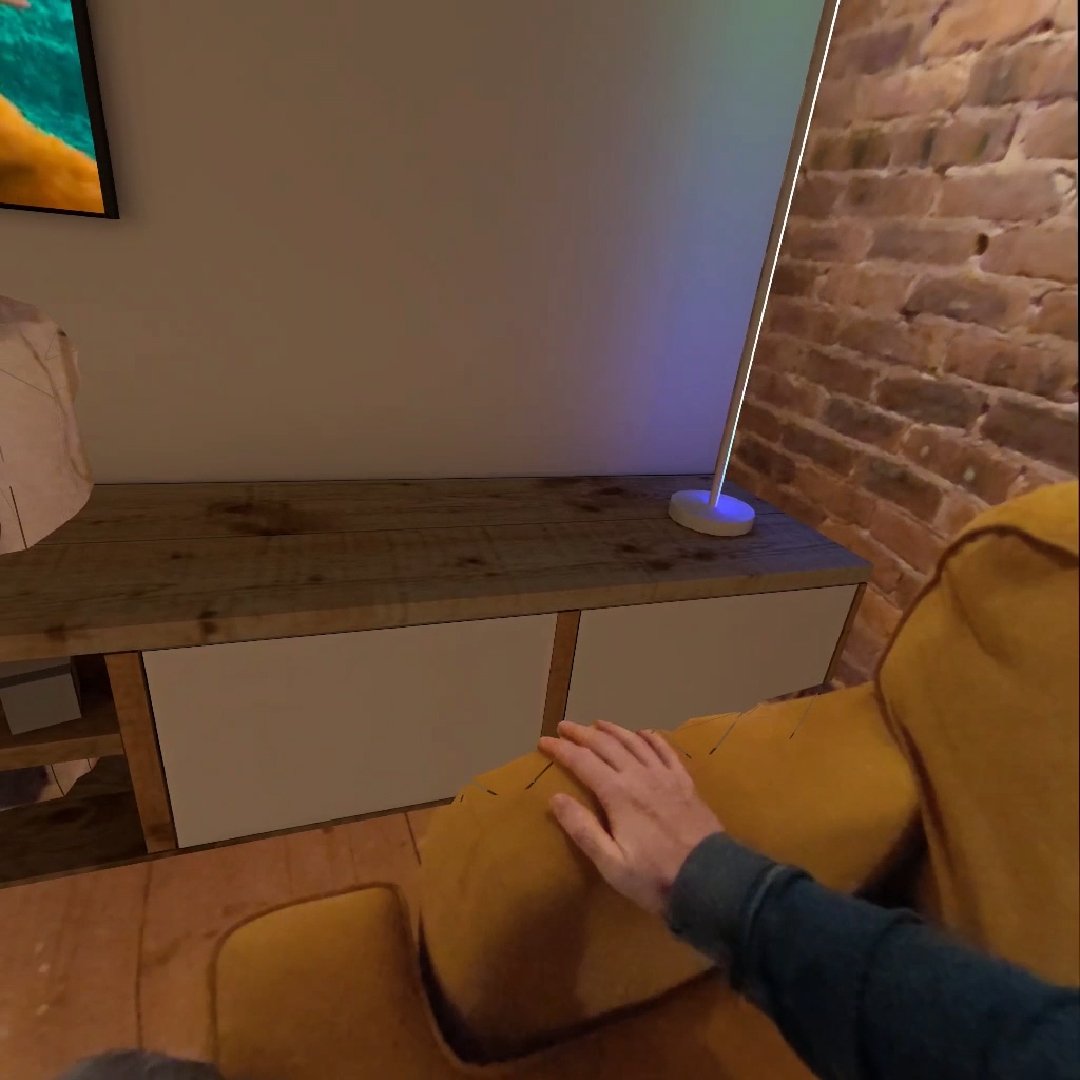
Until now, we had a pretty basic level of integration between virtual and real objects, normally the virtual objects just go in front of the real objects even if they are actually behind them in 3D space.
But now with the depth sensor and the scene understanding we get some quite nice level of synergy between all visual elements, which just boosts the level of immersion so much.
It’s not perfect, but it’s easy to see how this gets better with time, and I expect Apple’s Vision Pro might do this even better as they have been honing this type of thing for years on the iPhone.
Here you can see my real hand, on a real sofa, with a virtual TV cabinet behind me, the wall is real.
The best process
The Mixed Reality design process is a revolution for anyone dealing with anything 3D. Being able to live IN the designs was the key. As you are embodied in real world scale, you can FEEL if the scale is right, down to the mm. This saved us time and money, and giving us a better design in the end.